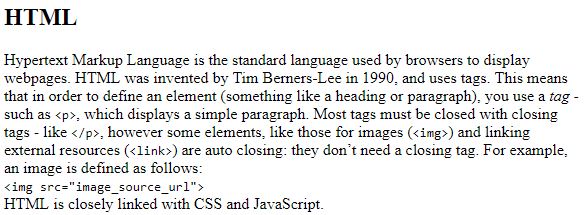
But one with CSS looks a lot more presentable:
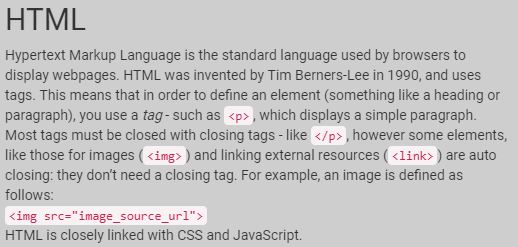
CSS declarations use the tag names (e.g.
p), classes and IDs of
the elements on the page in order to style them. IDs are written with a preceding hashtag,
classes are written with a preceding full stop and tag names are written without any preceding characters.
The styles themselves (like height) should all end in semicolons. A comment in CSS is started
with /* and ended with */.
Here are some example declarations:
                p {

                    /* this changes the font size of all p elements */

                        font-size: 3rem;

                }

                .class_name {

                    /* this changes the height of all elements with the class name 'class_name' */

                        height: 200px;

                }

                #id_name {

                    /* this changes the font of all elements with the ID 'id_name' */

                        font-family: 'Roboto'

                }